


Free AI Image Generator for Text and Image Creation
Turn a prompt or reference photo into an original visual in seconds. GenApe is a free AI image generator that helps you create high-quality images for marketing, social media, design concepts, and personal projects—right in your browser.
 ImageApe
Results Showcase
My Creations

Cinematic street fashion photography of an Asian woman with short black hair wearing a beige trench coat, standing alone at a city intersection after the rain. The wet ground reflects red and golden neon lights, while distant traffic and pedestrians create soft motion blur. Natural facial features, complete hands, clear clothing details, mixed cool and warm lighting, with a strong sense of story and a premium cinematic visual quality. Realistic photography.
Place a transparent pale-gold perfume bottle naturally on a cream-colored marble surface illuminated by soft sunlight. Add one white flower and a subtle water reflection beside the product, with a minimal premium ivory background. Preserve the complete bottle shape, correct proportions, and readable label. Create realistic glass reflections, contact shadows, and consistent environmental lighting. The result should look like a real luxury perfume campaign, clean, photorealistic, and elegant, 4:5 vertical composition.
Vertical advertisement poster for a premium boutique coffee brand. At the center is an iced latte in a transparent glass, placed on a dark wooden table. The coffee and milk form a natural gradient, with warm soft morning light and a blurred cafe interior in the background. Clearly show the Traditional Chinese text “讓靈感慢慢醒來” at the top and the English text “WAKE UP YOUR INSPIRATION” at the bottom. Correct spelling, clean and crisp layout, realistic commercial photography, premium brand quality.
Half-body fashion magazine cover photography of a male and female Western luxury fashion model standing closely side by side. The female model leans slightly toward the male model, both smiling naturally with a sweet and elegant atmosphere. The male model wears a black or creamy white suit, while the female model wears a champagne, creamy white, or soft pink luxury gown. The background is a warm gray or beige studio setting. Magazine title “LOVE ISSUE” appears at the top, with the subtitle “Modern Romance” at the bottom. Soft front-left key light paired with warm rim lighting. Clear details of skin, hair, and fabric. Western luxury magazine cover style, romantic, refined, with cinematic lighting.
Close-up hero shot of a sleek futuristic AI device, dark premium studio, blue holographic glow, centered composition, luxury tech advertising style, ultra-detailed, sharp focus, realistic materials.
Medium shot of a small Japanese-style room in the afternoon. The main subject is a white cat lying on a wooden table by the window. On the table are hot tea, a journal, pencils, and a small potted plant. Outside the window are cherry blossom trees and soft sunlight. A small text poster reading “SLOW DAY” is attached to the wall. Natural light enters from the left-side window. Gentle and clear textures of wood grain, ceramic cup, paper, cat fur, and curtain fabric. Japanese healing illustration style, quiet, clean, and warm.
Wide-angle shot of a young woman drinking coffee while working on a laptop, cozy Japanese-style apartment, warm morning sunlight, clean rule-of-thirds composition, natural lifestyle photography style, soft tones, realistic textures, cinematic.
Top-down view of a large architectural model table displaying a futuristic green energy city. The main subject is a transparent domed station at the center, surrounded by miniature homes, skybridges, trams, trees, and waterways. Clear label text “GREEN DISTRICT” appears along the edge of the model. Cool white work lights shine from above. Refined material details of transparent acrylic, model plastic, metal rails, and tiny leaves. Architectural visualization style with precise spatial relationships.
Ultra-wide shot of a modern luxury living room, panoramic city-view apartment, golden hour sunlight, balanced architectural composition, interior design magazine style, elegant materials, realistic textures, photorealistic, ultra-detailed
Create AI Images from Text or Photos
Start with words, an existing image, or both. GenApe combines text-to-image and image-to-image tools in one AI image creator, so you can move from a rough idea to a polished visual without switching platforms.

Text to Image Generator for Original Visuals
Describe the subject, setting, composition, and style you want. GenApe’s AI image generator from text interprets your prompt and creates original images for ads, illustrations, posts, presentations, and more. No design software or installation is required.

Image to Image AI Generator for Guided Results
Upload a reference photo to guide the composition, color, mood, or visual direction of a new image. The image-to-image AI workflow is useful when you want to explore variations, develop a consistent look, or turn an early concept into a more refined result.
How to Generate AI Images in 3 Steps
Create a new visual in just a few clicks. Choose your starting point, customize the output, and generate a result that fits your idea.
Step 1: Enter a Prompt or Upload a Reference Image
Write a clear description of the image you want, including the subject, environment, lighting, viewpoint, and art direction. If you already have a visual reference, upload it to begin an image-to-image creation.
Step 2: Select a Model, Style, and Image Settings
Choose the AI model and visual style that suit your project. Then adjust the image size, number of outputs, and available creative controls. Add a negative prompt when you need to reduce unwanted objects, text, or visual details.
Step 3: Generate, Review, and Download
Generate your images and compare the results. Refine the prompt or settings to create another variation, then download the image you want to use. You can also share selected work in the GenApe AI Image Gallery.
Explore AI Image Styles, Templates, and Creative Controls
A strong idea is easier to develop when you have useful starting points. GenApe brings prompts, templates, styles, and generation controls together to help beginners create confidently and give experienced creators more ways to refine their output.

Start Faster with Ready-Made Image Templates
Browse curated templates for portraits, product visuals, posters, characters, illustrations, and other popular formats. Select a template, adapt the prompt, and adjust the details to match your project instead of starting from a blank page.
Turn Simple Ideas into Detailed Prompts
Not sure how to describe the image in your mind? Use PromptCopilot, GenApe’s built-in prompt assistant, to turn a simple idea into a clearer and more detailed image prompt. Add details such as camera angle, lighting, medium, mood, and composition to help the model understand the result you want.

Refine AI-Generated Images with Negative Prompts
Tell the generator what should not appear in the final image. Negative prompts can help reduce unwanted text, extra objects, distorted details, or distracting backgrounds, giving you more control over the final composition.
Create AI Images for Every Project
Use GenApe as an AI photo generator, AI picture generator, or AI artwork generator for everyday creative work. Produce visual directions quickly, test more ideas, and reduce the time spent searching for stock assets or building early concepts manually.

Social Media and Marketing Visuals
Create campaign concepts, social posts, ad graphics, blog covers, and website banners around a specific message or brand direction. This AI graphic generator helps marketing teams explore multiple visual ideas before committing to production.

Product, E-Commerce, and Brand Concepts
Visualize product scenes, packaging directions, promotional themes, and branded environments before arranging a full photo shoot. Reference images and repeatable prompt structures can help your team maintain a more consistent visual direction.

Storyboards and Pre-Production Concepts
Turn scene descriptions into storyboard frames, mood references, or concept sketches for film, video, animation, and product design. Generate variations quickly to compare framing, atmosphere, characters, and environments during early planning.

Illustration, Art, and Personal Projects
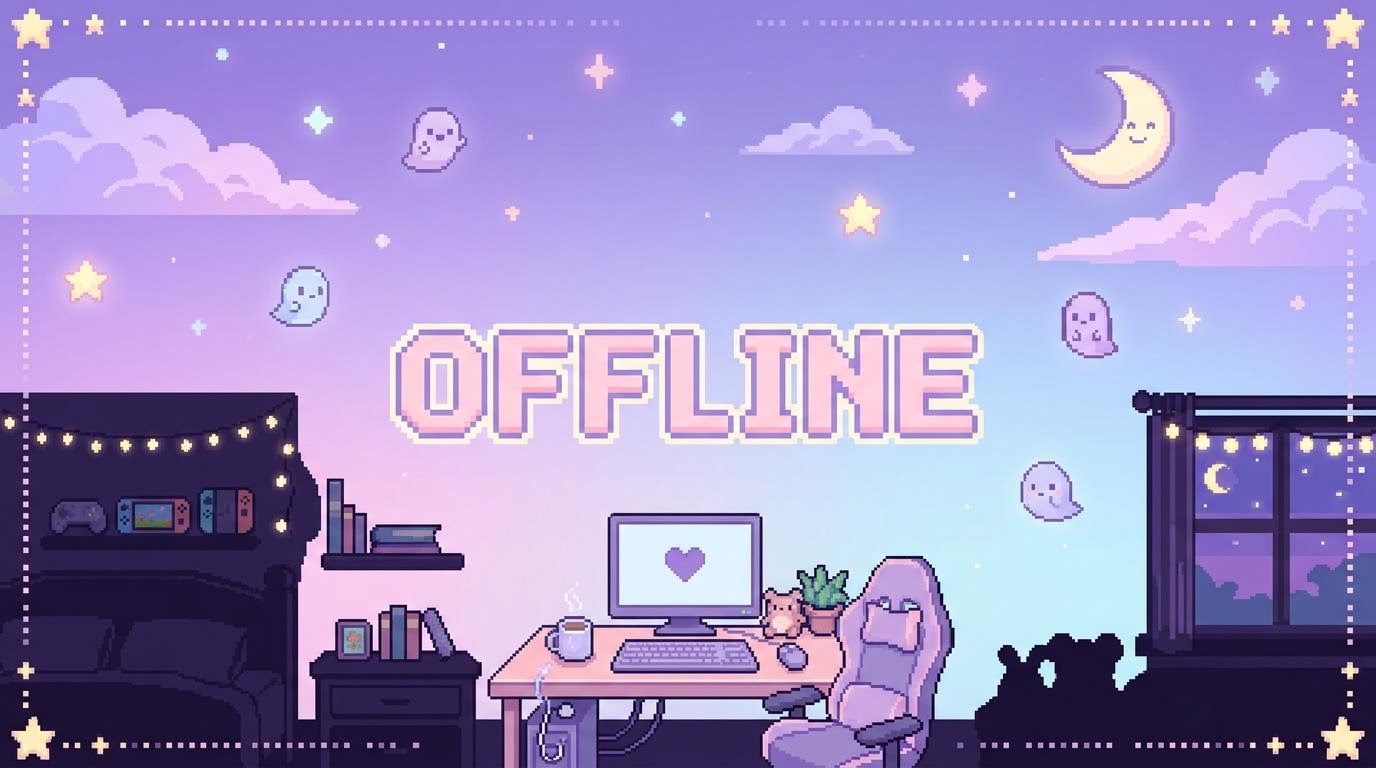
Experiment with cinematic scenes, digital illustrations, painting styles, pixel art, character ideas, and imaginative compositions. Use the results as finished visuals, creative references, or a starting point for further editing.
Why Choose GenApe’s Free AI Image Generator?
Want your visuals to perfectly match your vision? With our AI image generator, you don't need to be a prompt engineering expert. From prompt crafting and image template inspiration to negative prompts and commercial licensing, the platform streamlines the creative process, lowering the barrier to entry and ensuring your results align perfectly with your requirements.
Multiple AI Models in One Image Generator
Beginner-Friendly Online Creation
Fast Variations and Flexible Output Settings
Creative Assets for Personal and Commercial Projects
AI Image Generator FAQ
Have more questions? Contact us at support@genape.ai
Yes. New users receive 120 free credits when they sign up. Each AI-generated image uses 15 credits, so free users can create up to 8 high-quality images with their signup credits. Available models and advanced features may vary by plan.
Yes. Upload a reference image and use it to guide a new result. This is helpful for exploring a similar composition, mood, palette, or style while creating a new visual.
Generating one image requires 15 credits. Free users can generate up to 8 high-quality images.
Yes! If you are on a paid subscription or use purchased credits, you own full commercial rights to the images you generate. They are yours to use for ads, merch, and more.
Images are available for download in PNG format.
To get the best results, ensure your prompts are clear and specific. Additionally, refining the description and adjusting advanced settings such as style and size can help improve image quality.
Yes! You can upload reference photos to the AI image generator for more accurate results. The tool uses these images to generate new visuals that align with your reference.
Once you click “Generate”, your AI image will typically be ready within a few seconds.
While you can’t directly edit images within the generator, you can refine your prompt and generate new variations. Alternatively, you can edit the images outside the tool once downloaded.
GenApe offers a wide variety of art styles, including cinematic, oil painting, pixel art, ink, and more. Select the style that best suits your project’s needs.
You can specify how many images you want to generate in the advanced settings before clicking “Generate”. This allows you to create multiple variations quickly.
Subscribe to unlocks all styles, higher-quality images, and commercial-use rights. It also provides more credits for generating images.
Use PromptCopilot, GenApe’s built-in prompt assistant, to turn a simple idea into a more detailed image prompt. You can also improve the result by specifying the subject, setting, composition, camera angle, lighting, colors, mood, and visual style. If the first image is not quite right, adjust one or two details at a time and generate a new variation.

