


AI Banner Generator
Create a banner design and include the text you want on it.
 Requirements
Image Upload
Supported file formats: JPG, PNG, WebP, HEIC, HEIF, GIF, BMP, TIFF, AVIF
Maximum file size: 10 MB
 ImageApe
Results Showcase
My Creations
Start My Creation Now!
Free AI Banner Maker Online
Stop scrolling through banner design templates hoping one fits. With GenApe, you just describe what you need and the AI Image Generator generates a ready-to-use banner in minutes — whether it's a website banner, a shop banner, or a birthday banner for a social post. Start free, no credit card required.
How to Make a Banner Online: 3 Steps
Wondering how to design your own banner without hiring a designer? Here's how to create a banner online in three simple steps.
Step 1: Describe Your Text, Purpose, and Style
Tell GenApe what text the banner needs, where it's going (website, social post, ad, shop, Twitch channel), and the style you're after — clean and minimal, bold and colorful, festive, whatever fits. This is what the AI uses to generate your banner.
Step 2: AI Generates Your Banner Design
Once you submit your details, the AI generates a banner based on your input — no digging through banner design templates or banner design ideas trying to find something close enough. You get a finished design built around what you actually asked for.
Step 3: Customize and Download in One Click
Fine-tune the text, colors, or layout, then download your banner in high resolution — ready to use online or print.
Why Use GenApe as Your Banner Maker?
There's no shortage of banner maker websites out there. Here's what makes GenApe worth trying if you want a banner creator that skips the busywork.
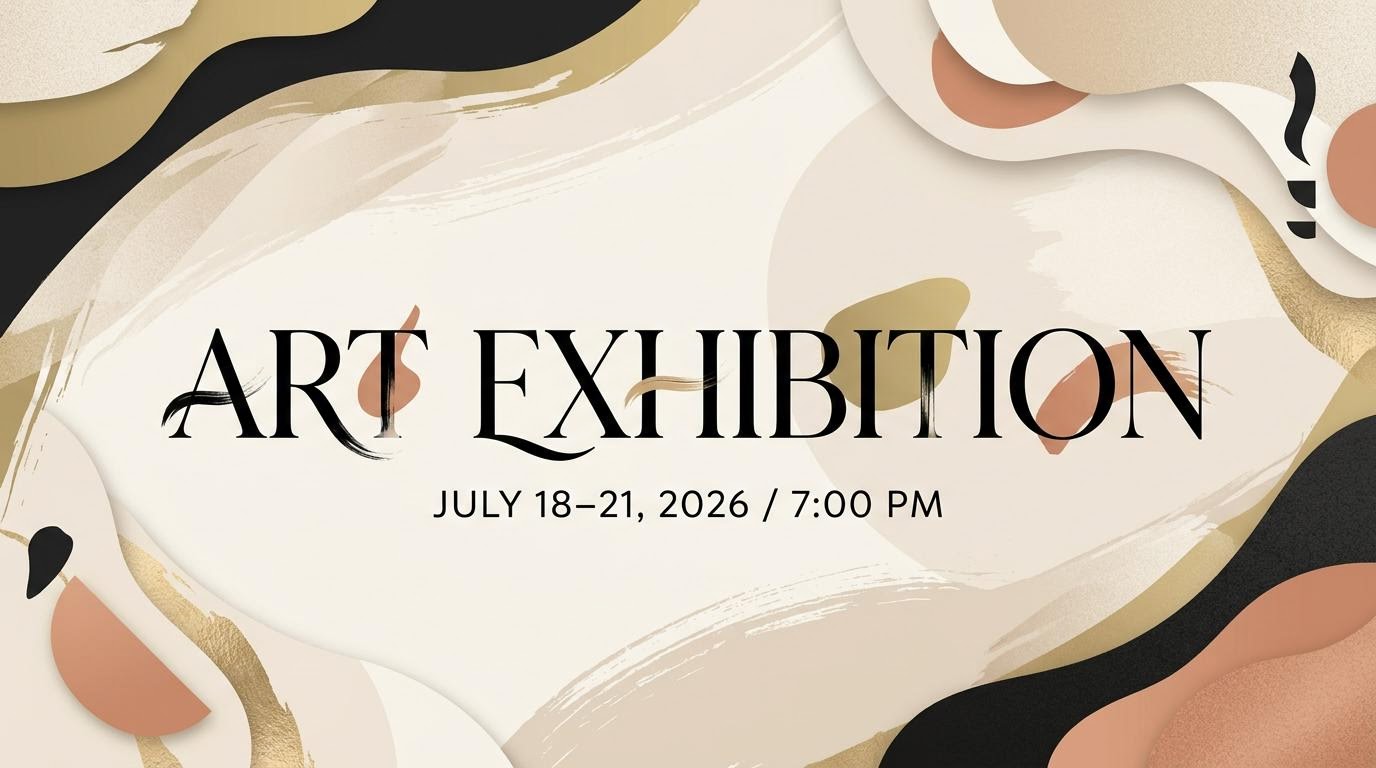
No More Digging Through Banner Design Templates
Most free banner maker tools hand you a template library and leave the rest to you — hunting for the right layout, then reworking colors and text yourself. GenApe generates the design directly from what you describe, so you're not stuck customizing banner design templates that were never quite right to begin with.
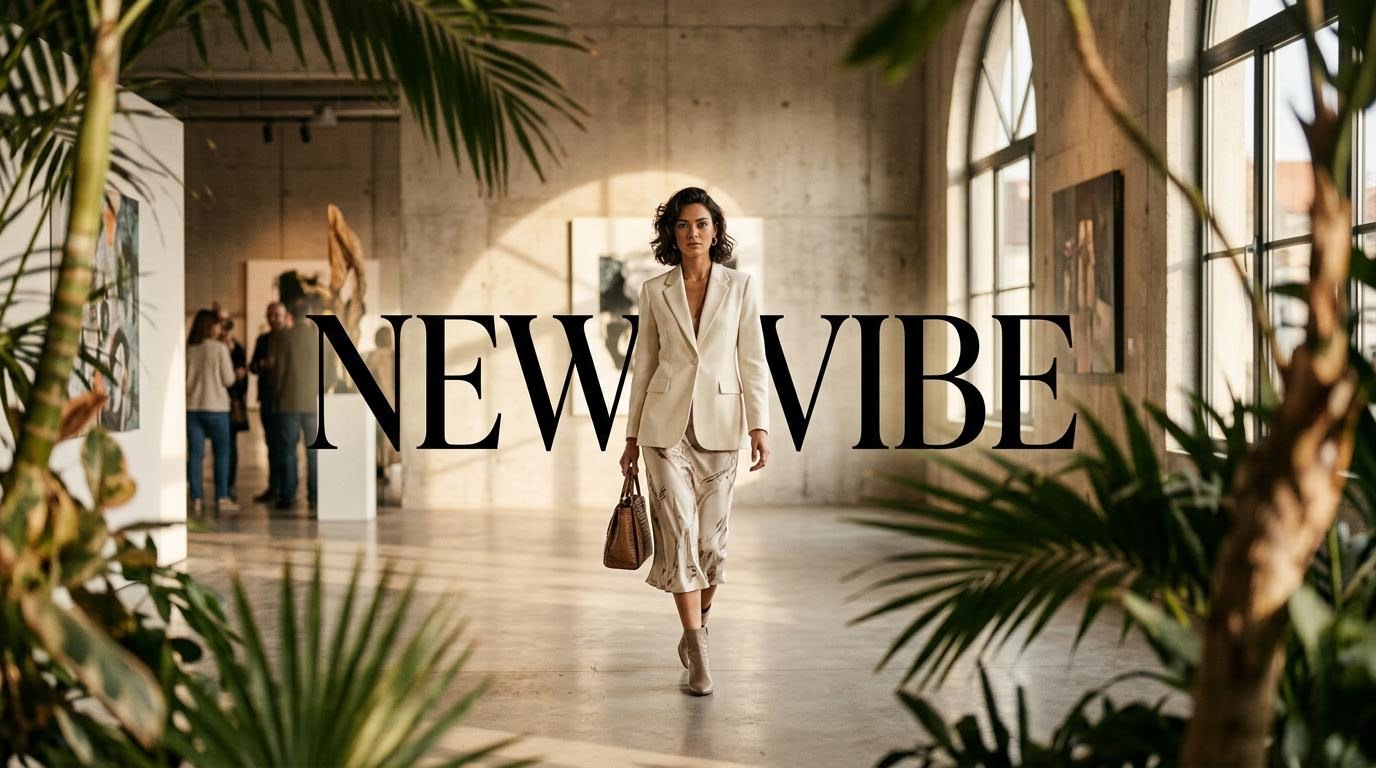
Any Size — Website Banners, Social, Ads, and Shop Banners
Web banner design specs vary a lot depending on where the banner goes — homepage header, social cover, ad placement, or shop banner design. Tell GenApe what it's for and the size is handled automatically, so you're not cross-checking banner dimensions yourself.
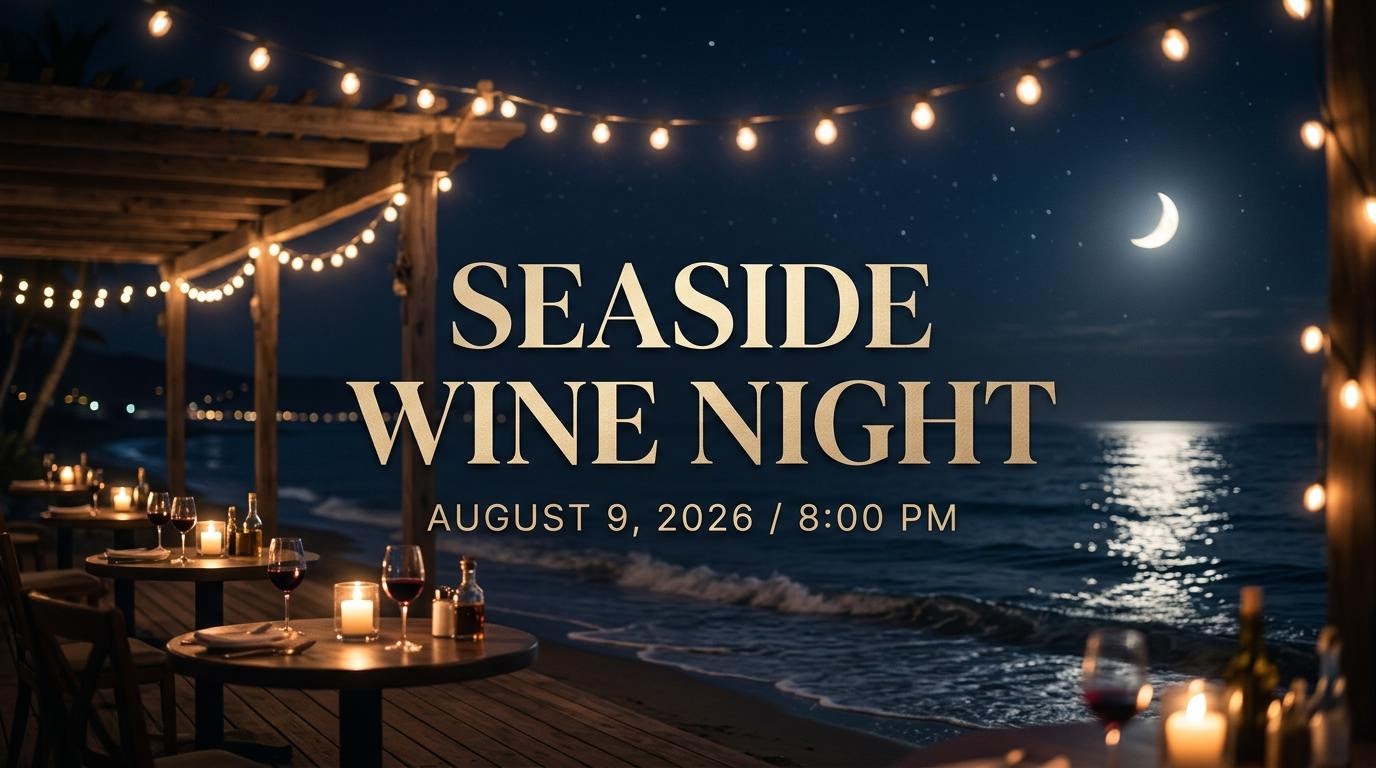
High-Resolution Output, Ready to Use Right Away
Every banner you create online comes out in high resolution — sharp enough for web, social, ads, or print, with no blurring or quality loss.
What Can You Make with an AI Banner Generator?
An AI banner generator covers a lot more ground than a typical banner maker. Here's where it fits best.
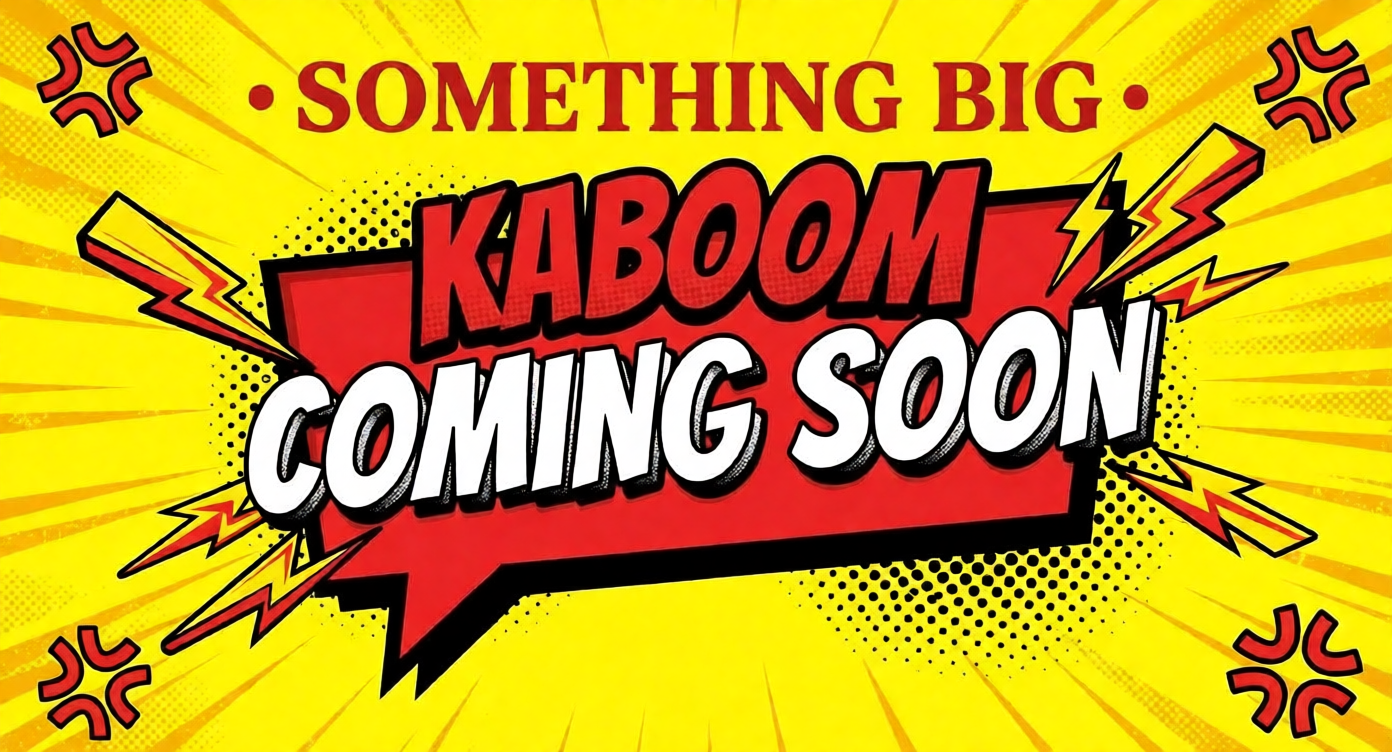
Website, Shop, and Business Banners
From a homepage banner to a shop banner design for an online store or a business banner for a company page, GenApe generates a design that matches the brand and the placement — no separate banner design website needed.
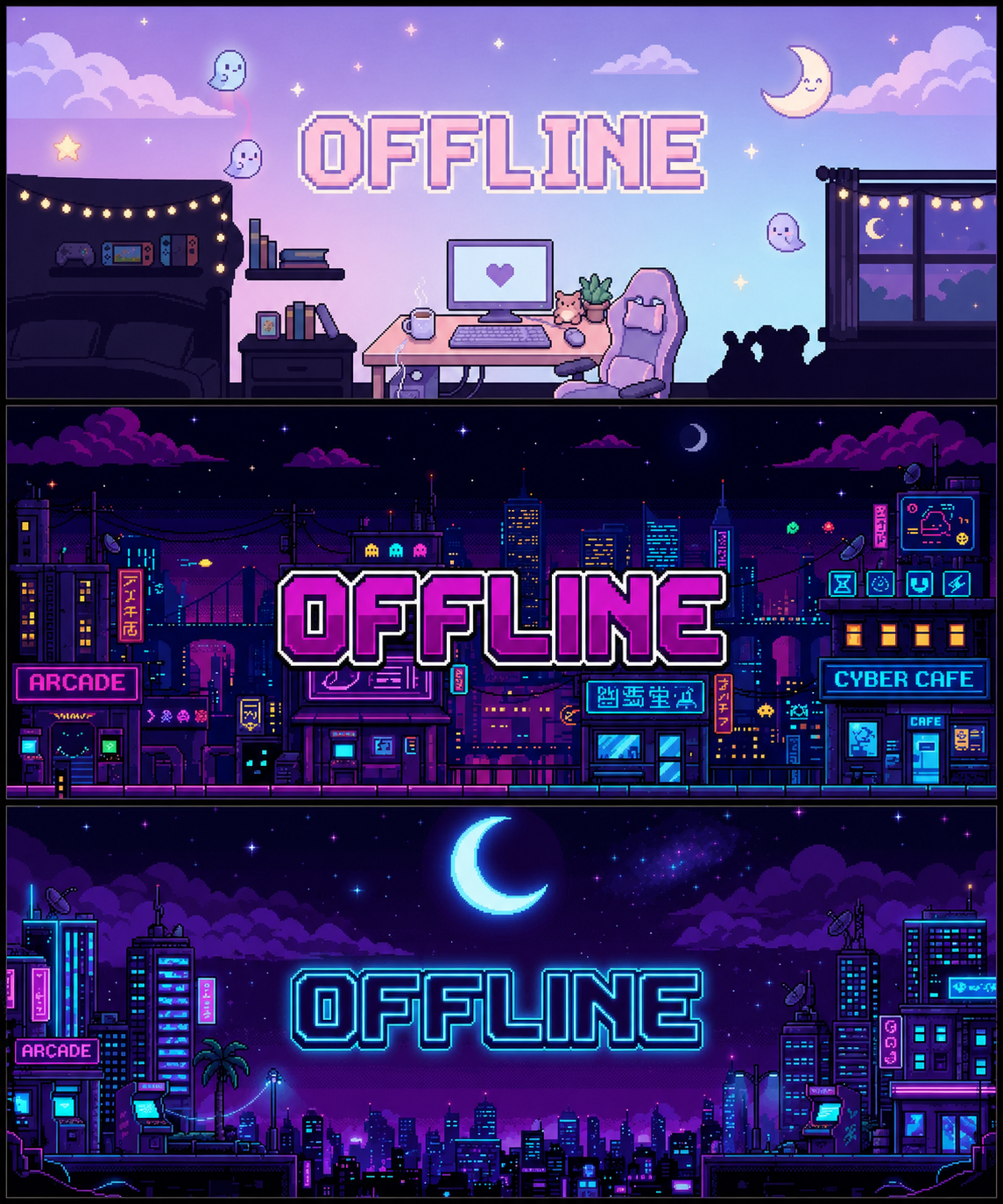
Twitch Banner Maker for Streaming Graphics
Setting up your Twitch channel? Use GenApe as a free Twitch banner maker to create a Twitch banner, Twitch profile banner, or offline Twitch banner in just a few clicks. Instead of starting from a blank canvas or editing a Twitch banner template by hand, simply describe your channel vibe, gaming style, colors, or streamer personality, and let the AI Twitch banner generator build a custom design for you.
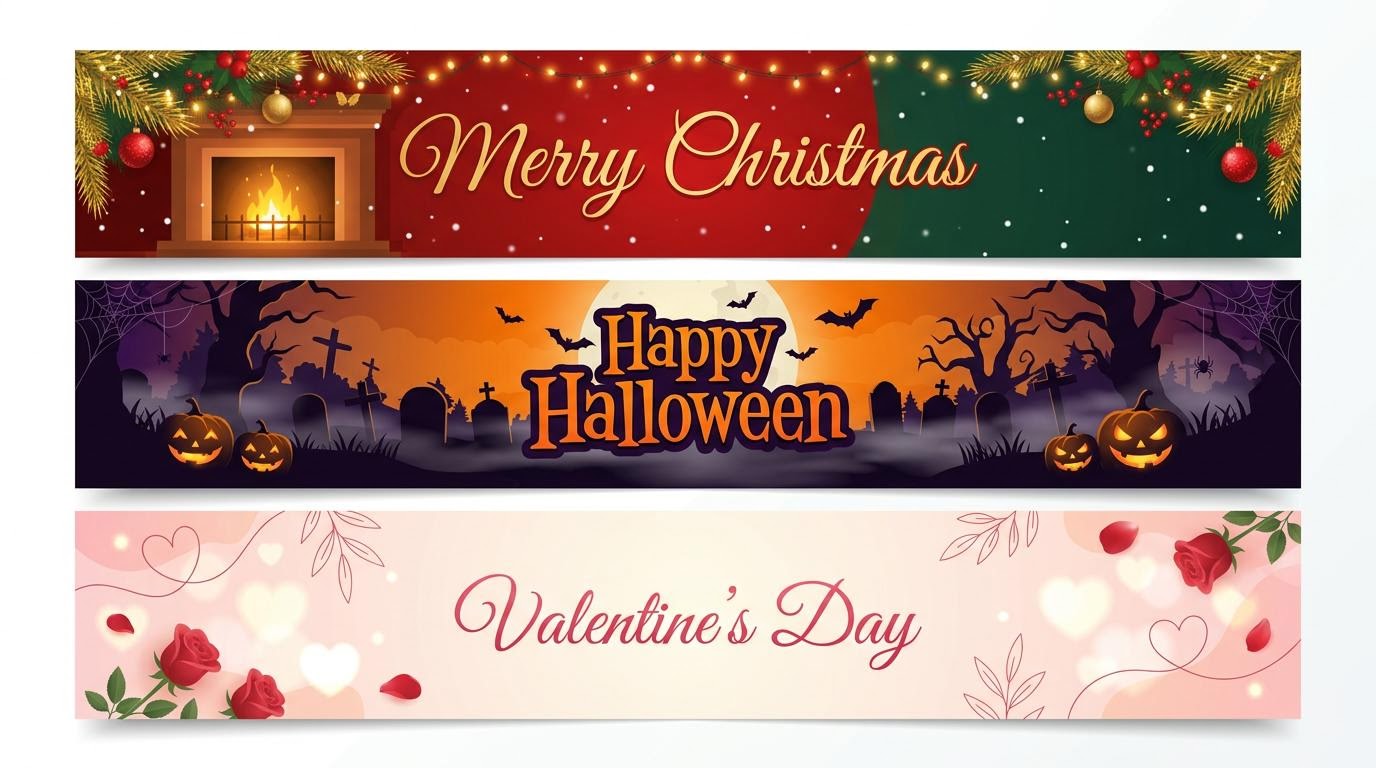
Holiday and Occasion Banners
This is where an AI banner generator saves the most time, since there's a new occasion every month. GenApe can generate:
Birthday banners for parties, social posts, or store promotions
Christmas banners and other holiday banners for December campaigns
Halloween banners, Valentine's Day banners, and Easter banners
Thanksgiving banners, Mother's Day banners, Father's Day banners, and New Year banners
St. Patrick's Day banners and Independence Day banners
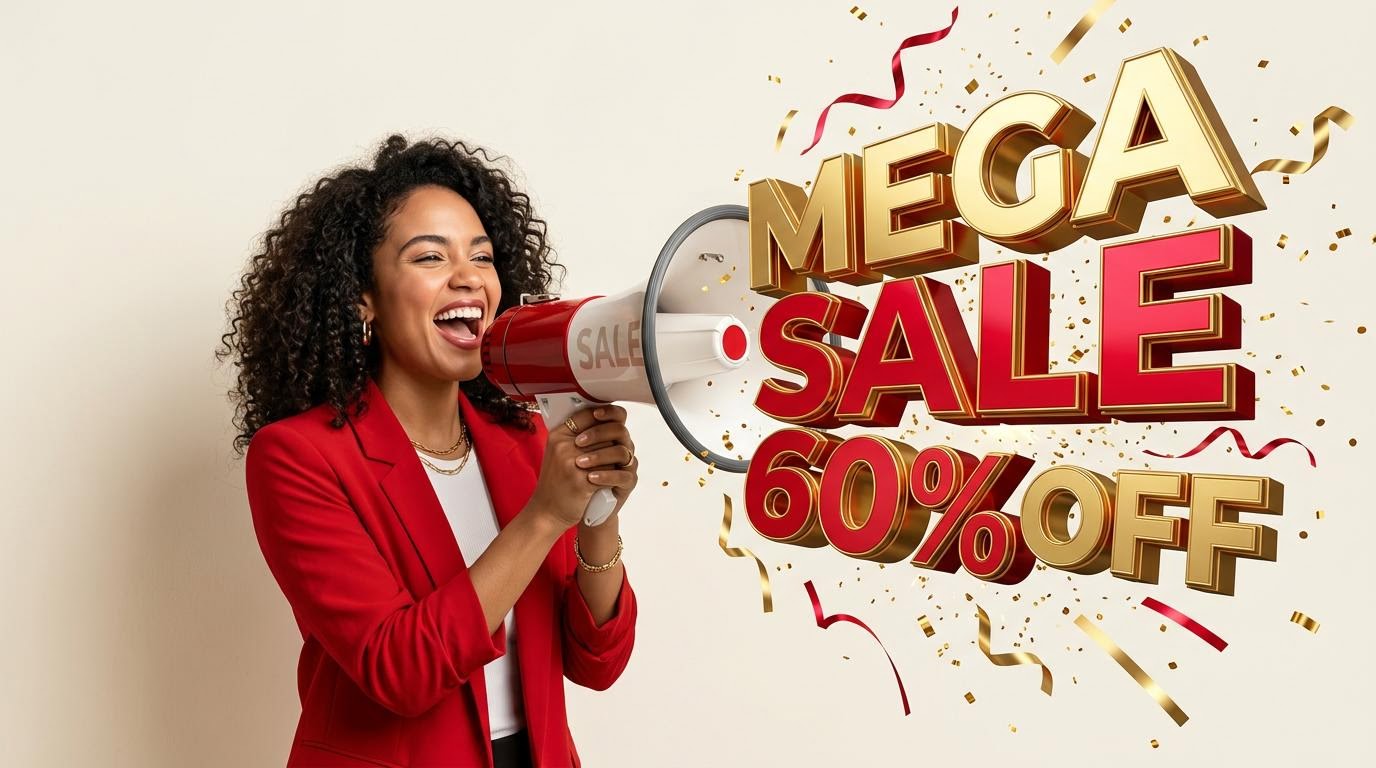
Sale and Promotional Banners
Running a sale banner, Black Friday banner, Cyber Monday banner, or summer sale banner? Describe the promotion and GenApe generates a banner ready for your storefront, social page, or ad campaign.
Banner Design FAQ
A banner is a graphic — usually a mix of text and imagery — used on a website, social platform, or ad placement to promote something or catch attention. It's the same idea whether you call it a web banner, a shop banner, or a social banner.
That depends on what you need. If you want to pick from banner design templates and edit them by hand, a traditional editor works fine. If you'd rather describe what you need and get a finished banner without the manual editing, that's where an AI banner generator like GenApe fits — generate first, then adjust.
A free account is required to generate banners. When you sign up, you get free credits to start creating right away — no credit card needed, and no cost to get started.
Yes. You don't need any design background — just describe your text, purpose, and style, and GenApe generates the banner for you. You can then adjust it before downloading.
Yes. Just tell GenApe the occasion — birthday, Christmas, Halloween, Valentine's Day, Thanksgiving, or any other holiday — and it generates a banner styled for that theme.
Yes. After the AI generates your first version, you can still adjust the text, colors, and layout before downloading — it's not a locked, final file the moment it's created.
Commercial usage depends on your account plan, so check the license terms for your plan before using a generated banner commercially, just to make sure it covers your specific use case.

