Free AI Face Swap: Swap Faces Online
Want to try face swapping online for free? GenApe provides an easy-to-use AI face swap tool that works right in your browser. Whether you're looking to create a celebrity look, make a funny meme, or generate a professional headshot, GenApe has it all—no downloads or editing skills required.
Please choose the output format for the headshot.
PNG
JPG
Choose a photo to perform face swap.
All
Male
Female
Upload template

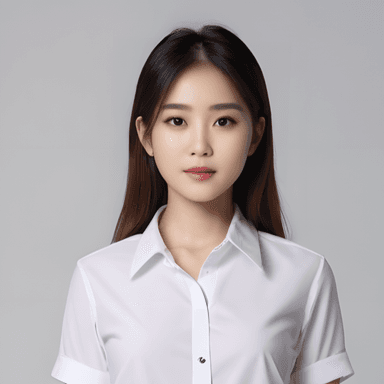

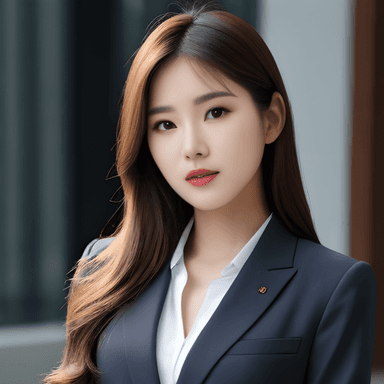
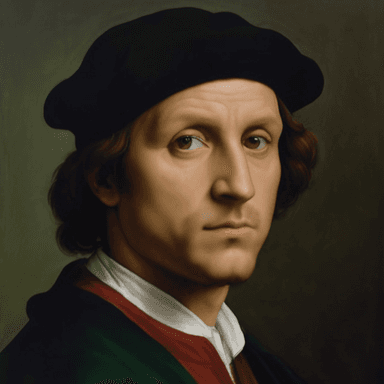
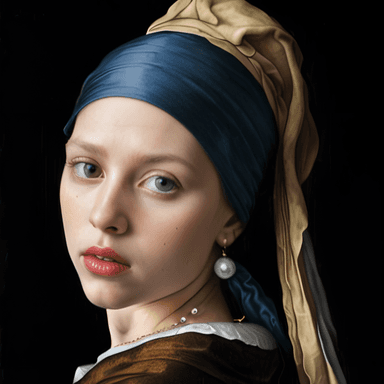
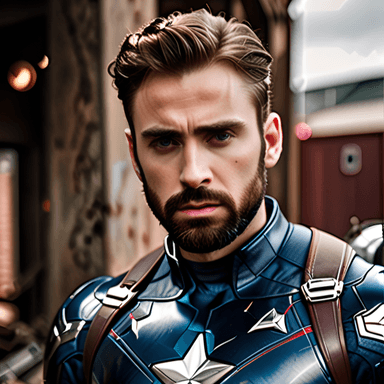

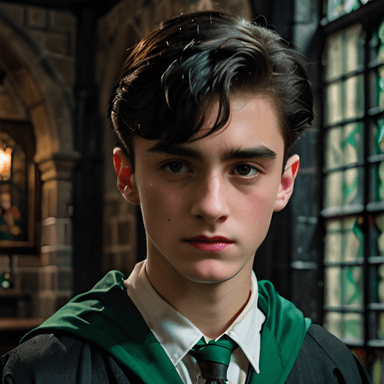
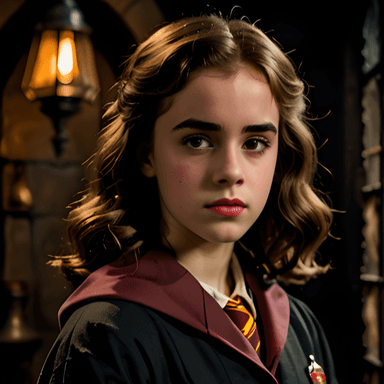
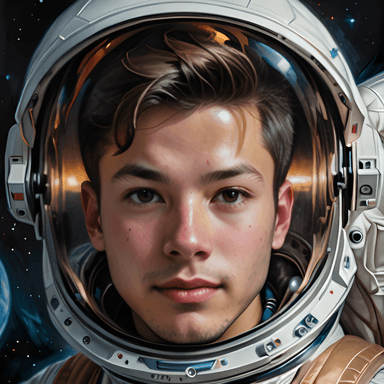
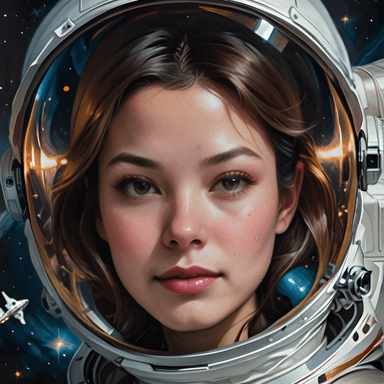
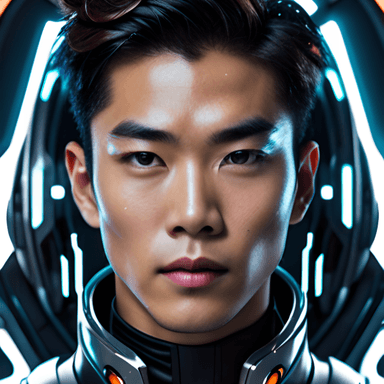
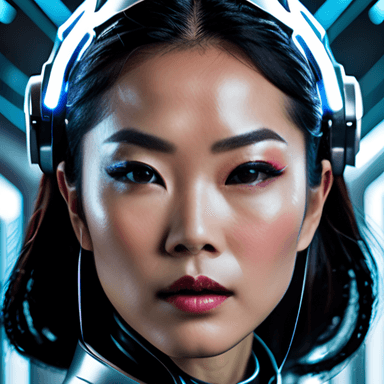

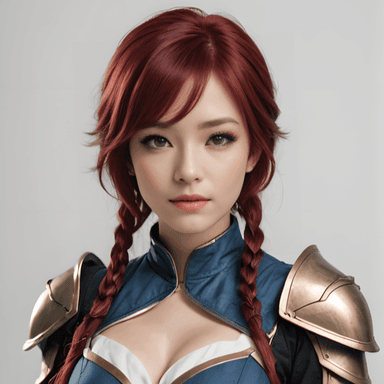
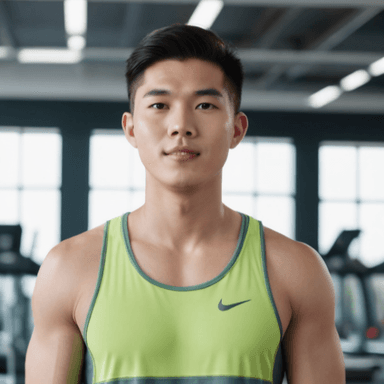
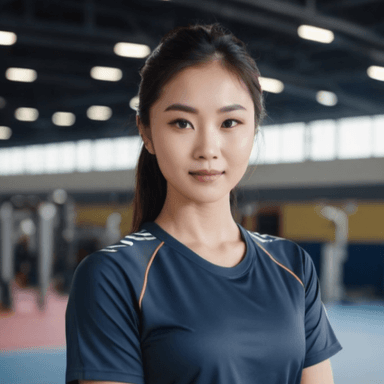

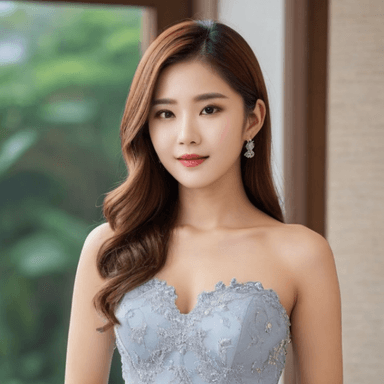
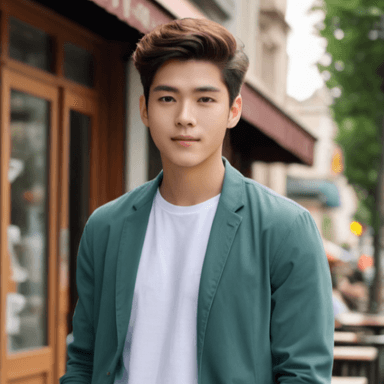
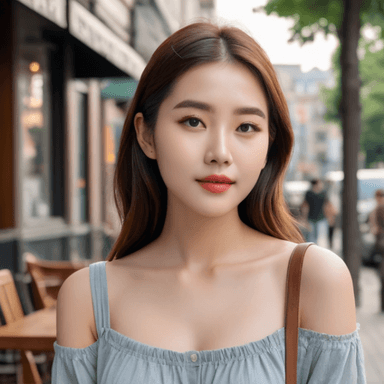
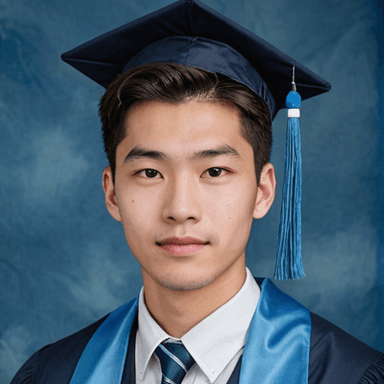
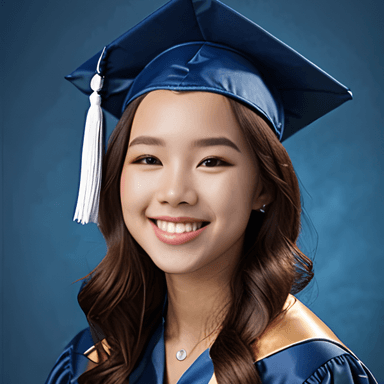
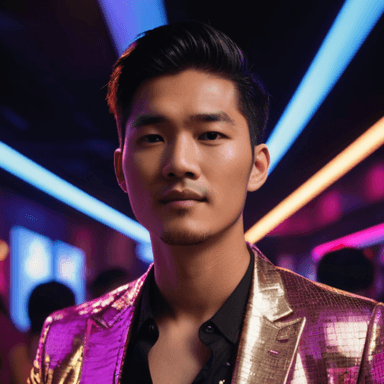
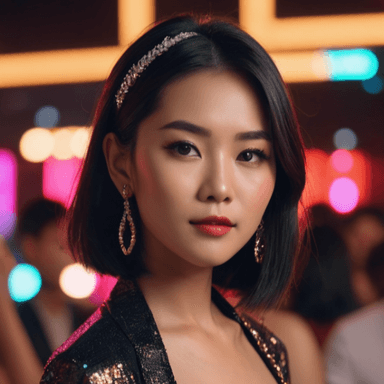
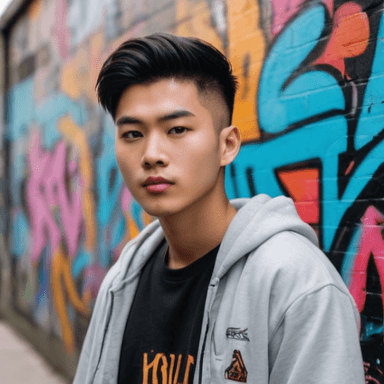
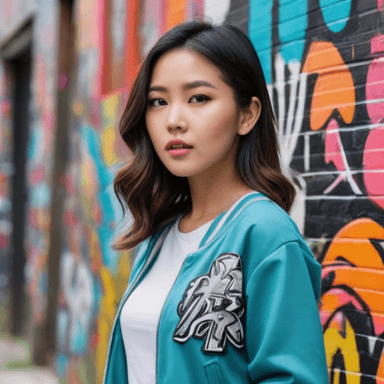



















Stay tuned for more...
AI Face Swap Just Got Smarter: Choose from 4 Unique Styles
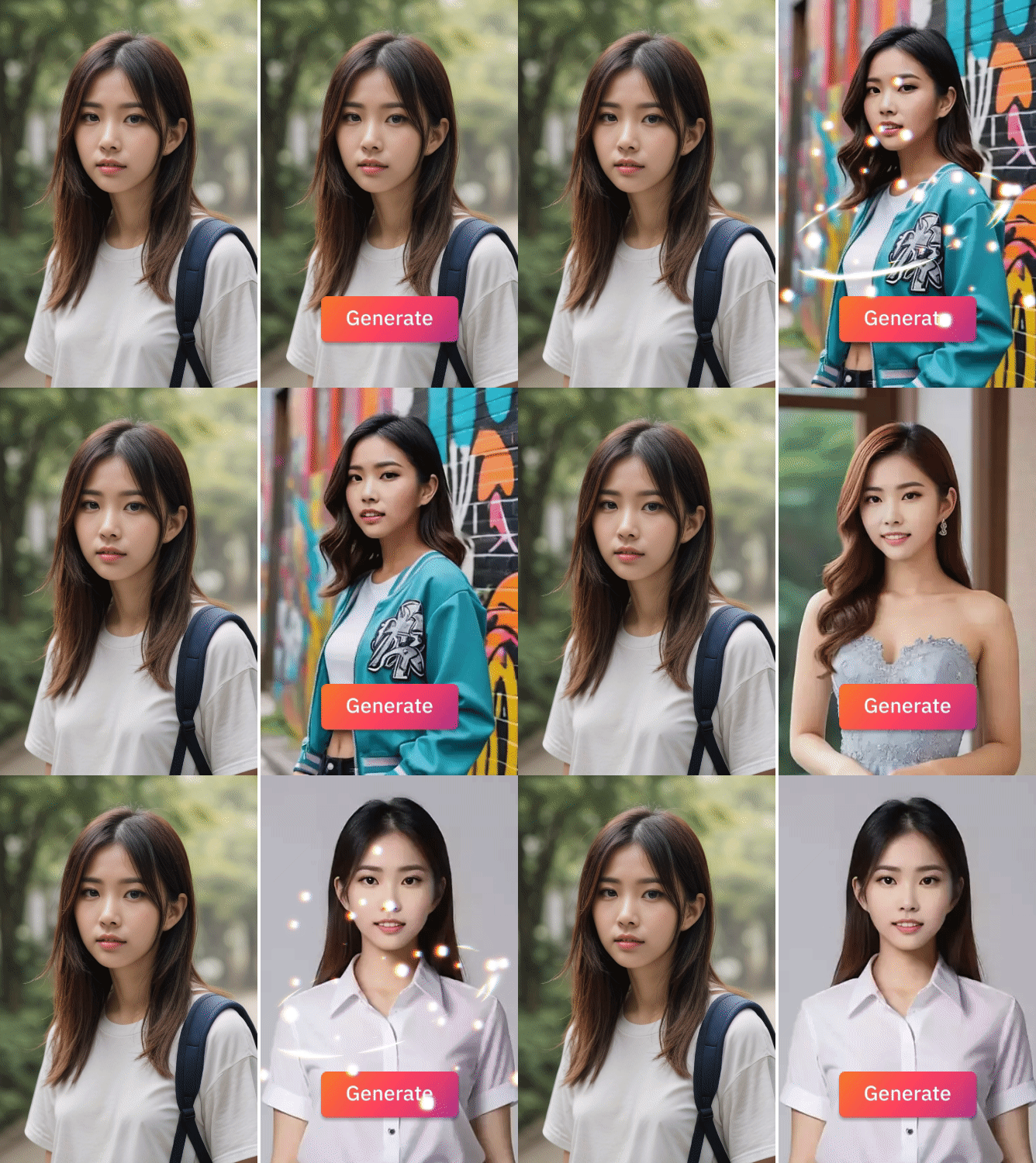
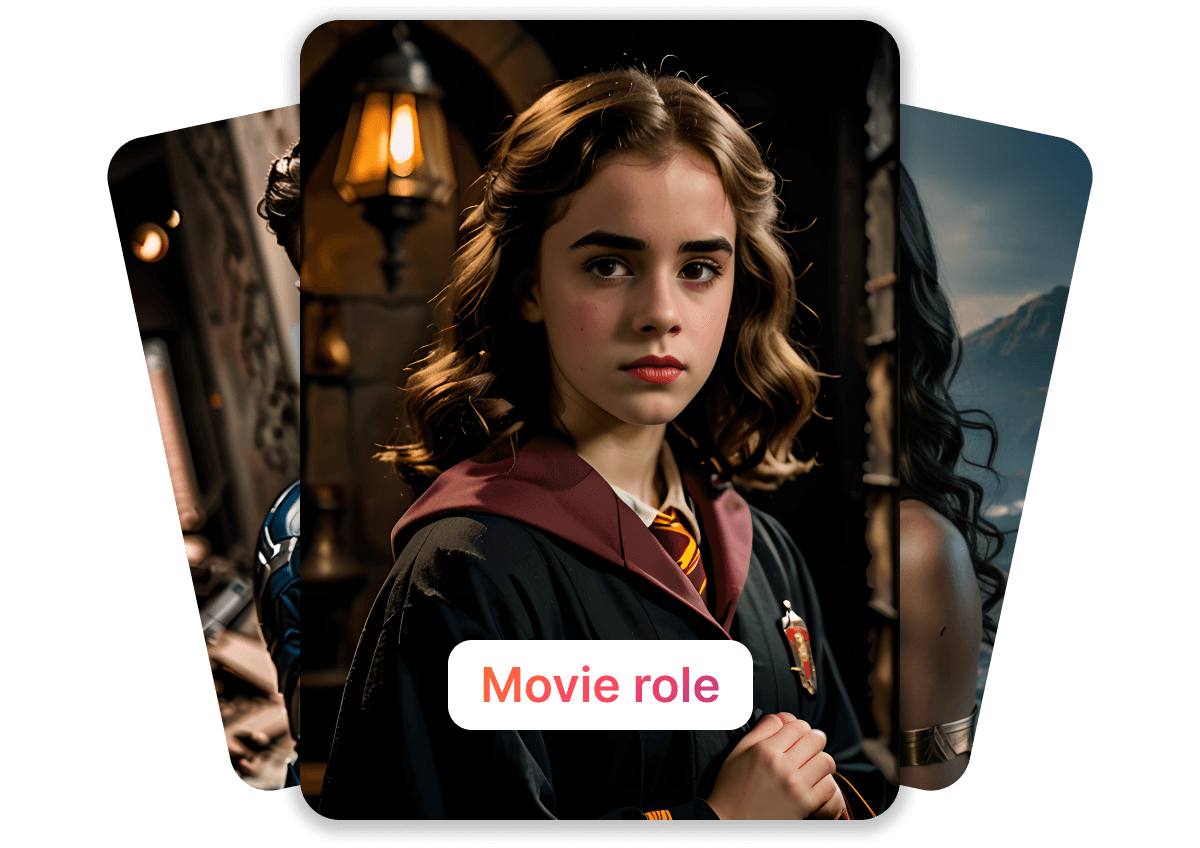
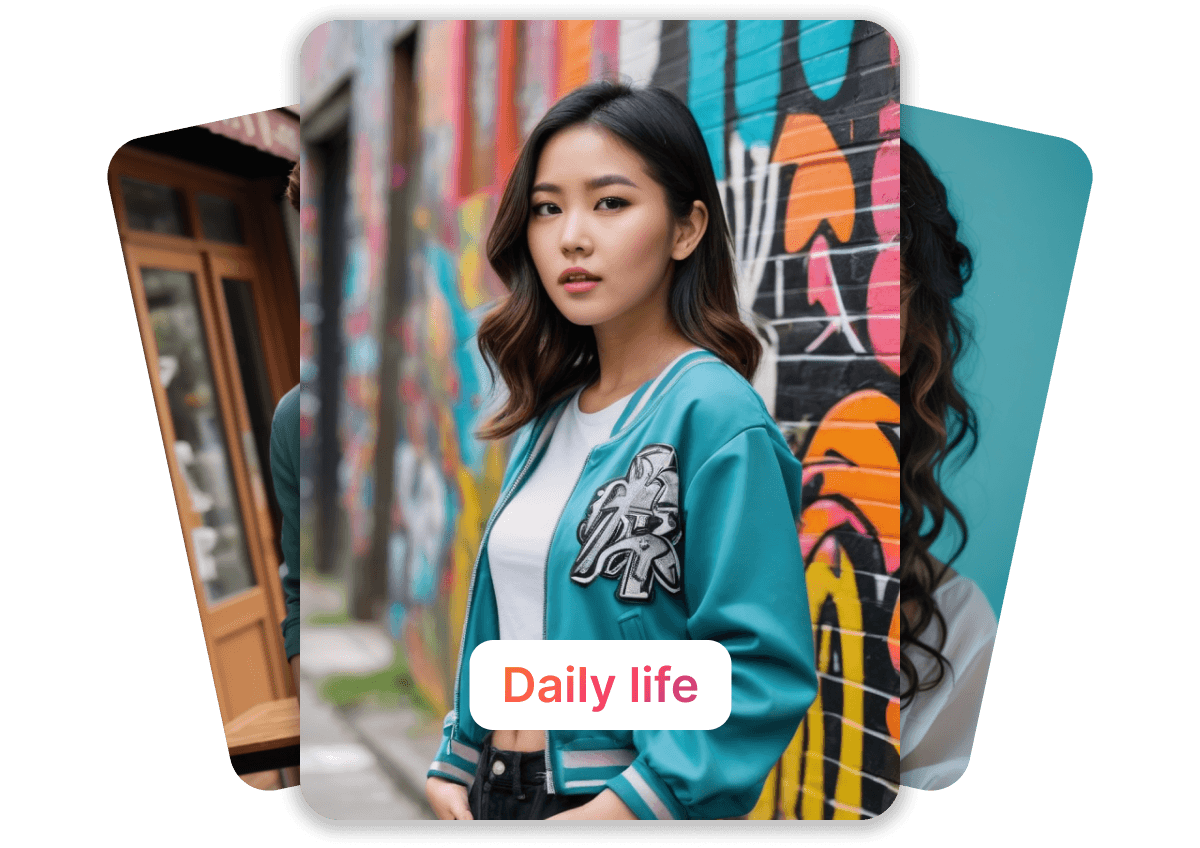
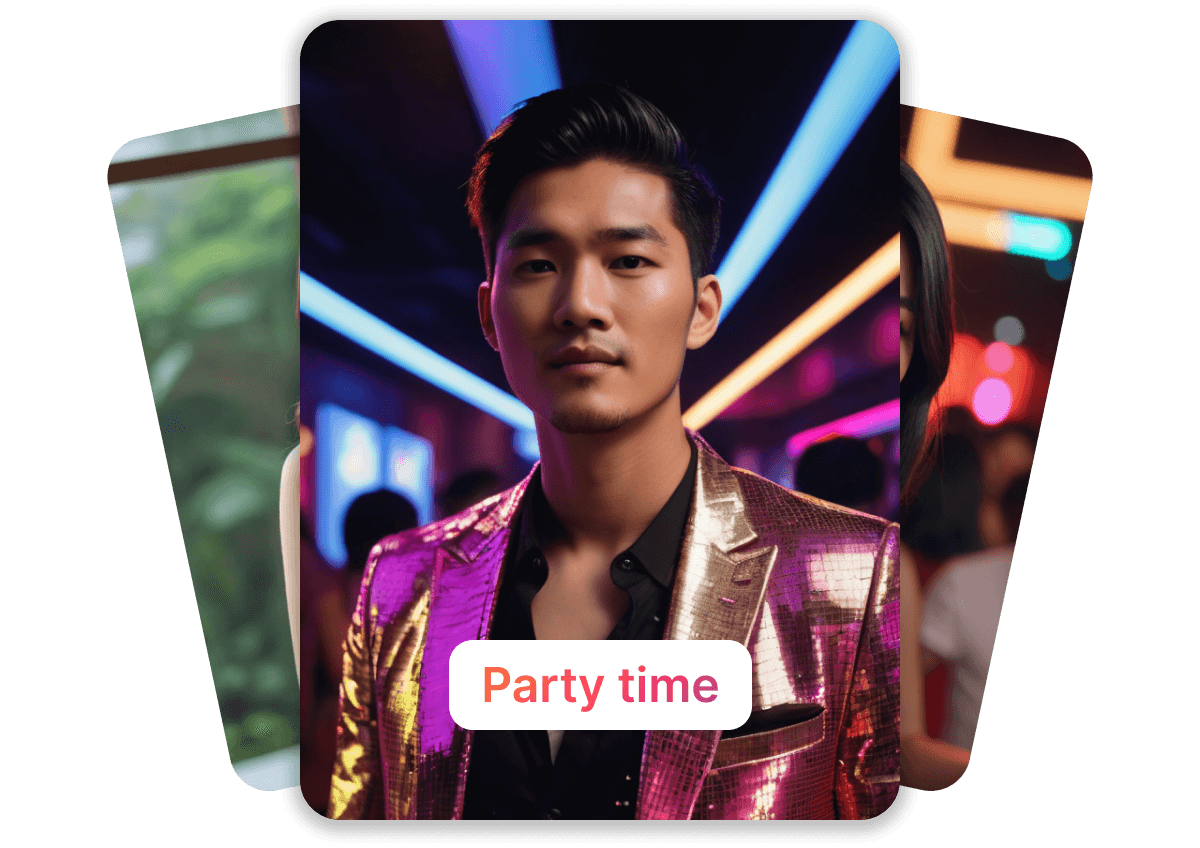
GenApe’s AI image generator features an AI face swap tool that supports both fun and professional use cases. With four distinct style templates, you can match different photo needs. All styles come with preset templates and auto face alignment, making each swap look seamless and natural.

How to Use GenApe’s AI Face Swap Software in 3 Easy Steps
Step 1: Select a Face Swap Template
Choose a swap template or upload your own custom image as the preset template.
Step 2: Upload Your Photo (JPG/PNG Supported)
Upload the photo you want to transform. Our AI will automatically detect and align your facial features.
Step 3: Generate and Download
In just 3 seconds, your AI face swap is ready. Download your photo with a realistic, clean swap effect.

Create Professional Avatars at Home with AI Face Swap
With GenApe, you don’t need a photo studio or Photoshop skills to get high-quality portraits. Just upload an image, and the AI Face Swapwill map your facial contours and apply natural blending. Perfect for resumes, social media profiles, or personal branding content.

Become a Movie Star or Social Trendsetter with GenApe AI Face Swap
Whether you want to transform into a wizard from Harry Potter, a Marvel superhero, or your favorite influencer, GenApe lets you do it in one click. Our face swap AI delivers highly realistic results with simple controls, so you can easily create eye-catching cosplay edits or viral social content.

Multiple Templates for Any Scenario, From Avatars to Action Shots
Swap a selfie into a formal headshot, turn a vacation pic into an anime-style character, or generate a futuristic AI avatar with digital flair. GenApe uses deep learning AI model to produce accurate, high-quality face swaps—no manual editing required.
4 Popular Face Swap Use Cases for Viral-Ready Content
Virtual Character Swap: Create Unique AI Avatars
Transform yourself into a cartoon figure, space explorer, or digital persona with one click.
Meme Face Swap: Viral Fun, No Photoshop Needed
Use trending meme templates and let GenApe do the swap—perfect for sharing on Reddit, Twitter, or Instagram.
Celebrity Face Swap: Become the Star
Upload your selfie and instantly generate a mashup with your favorite celebrity, movie character, or historical icon.
Friend Face Swap: Fun for Groups and Special Moments
Swap faces with friends for holidays, couples photos, or just a hilarious group shot—great for WeChat, WhatsApp, or Messenger.
Top 3 Reasons to Try GenApe AI Face Swap
Fast AI Face Swap: 3 Seconds to Photo-Ready Results
GenApe AI Face Swap’s cutting-edge model detects your face and swaps it with precision—all within seconds. We made it easy to create high-quality, seamless face swap results with just one click.
Flexible for Any Content: Social, Video Thumbnails, and More
GenApe’s Free AI Face Swap is perfect for TikTok, YouTube Shorts, Instagram stories, professional avatars, or branding banners. Create custom covers for short videos and branding within one-click. Boost your online visibility and content recognition with ease, and unleash your full potential in personal branding and content creation.
Works Everywhere: Mobile, Desktop, No Downloads
Use GenApe AI Face Swap on any device—smartphones, tablets, or laptops. No installation needed, just open the website and start swapping.
AI Face Swap FAQ
You can naturally apply your own face to different characters, scenes, or style templates for social media avatars, creative posts, event visuals, and fun content creation.
It's recommended to use a clear, evenly lit, front-facing photo with complete facial features. Choose a source image with an angle and lighting similar to the target image; this usually significantly improves similarity and naturalness.
You can first use the platform's free credits or trial plan to experience the basic functions. If you need high-quality images, batch generation, or advanced features, you can upgrade according to the plan.
No additional software is required. You can directly upload photos and perform face swaps through your browser. It works on mobile phones, tablets, and computers.
The process usually involves only three steps: selecting a template, uploading a photo, and generating the face with one click. No background editing or professional design experience is required, making it easy for beginners to get started quickly.
It's commonly used in social media content creation, e-commerce and marketing materials, video entertainment, role-playing, educational demonstrations, and brand events—situations requiring rapid visual changes.
If you value privacy, prioritize platforms that offer clear data policies, record deletion capabilities, and security mechanisms. It's recommended to read the terms and conditions and confirm the scope of authorization before use.
Whether video face swapping is supported depends on the platform's current feature updates. If it's available, it can usually be generated by uploading a video and setting the source face. It's recommended to refer to the latest announcement on the product page.
Common output formats include JPG and PNG. The actual available formats and resolutions will vary depending on the plan and feature settings. You can check the output options before downloading.
Using a platform with privacy protection and data management mechanisms, and avoiding uploading sensitive images, can significantly reduce the overall risk. It is recommended to regularly delete unused materials.